Go Beyond Your iPad with CueCam Presenter 

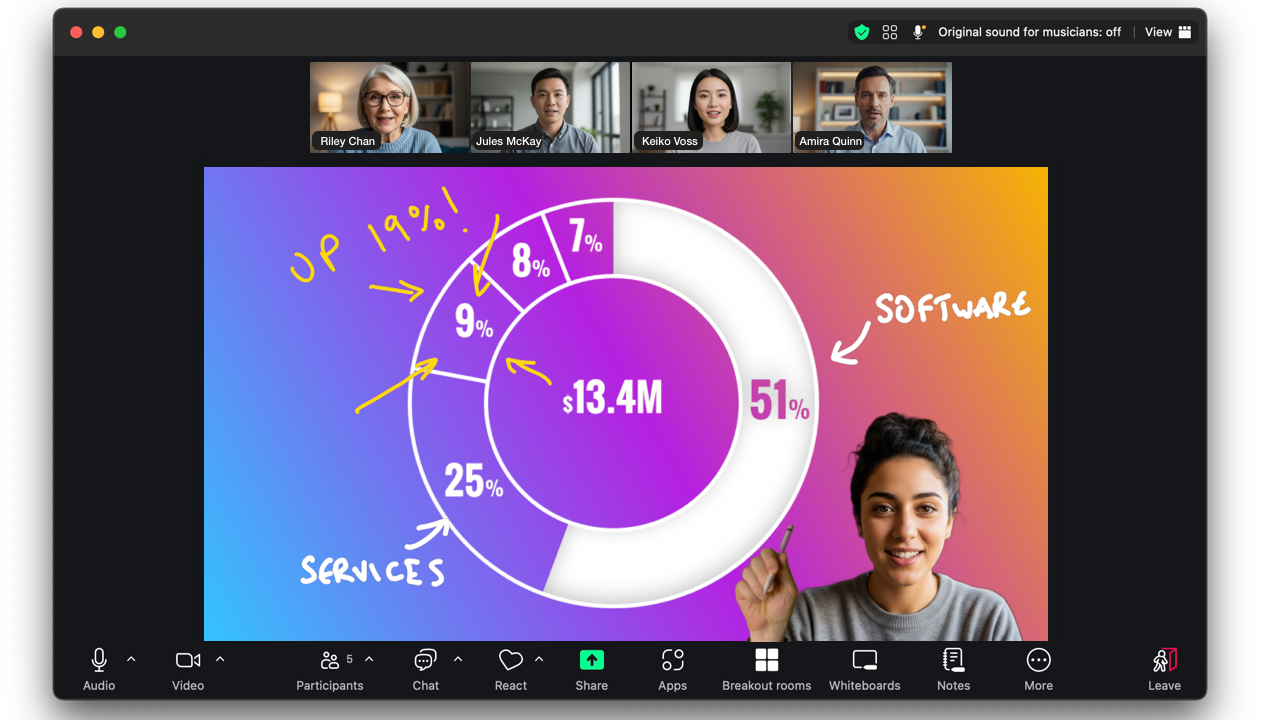
Video Pencil lets use your iPad to draw, highlight, and emphasize key points on videos and cameras in real-time.
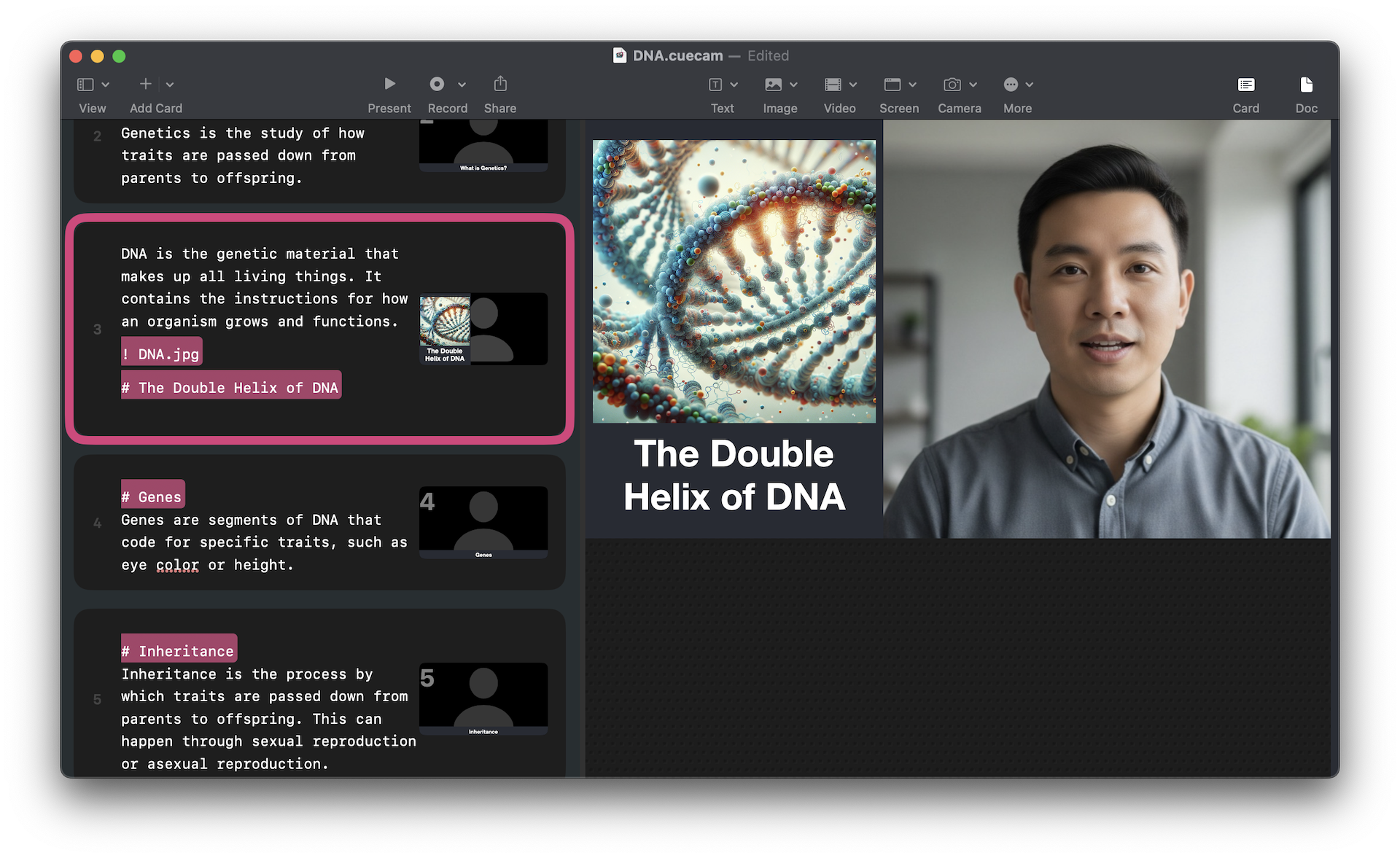
CueCam lets you do all that, but instead of being confined to your iPad, you run everything from your Mac.
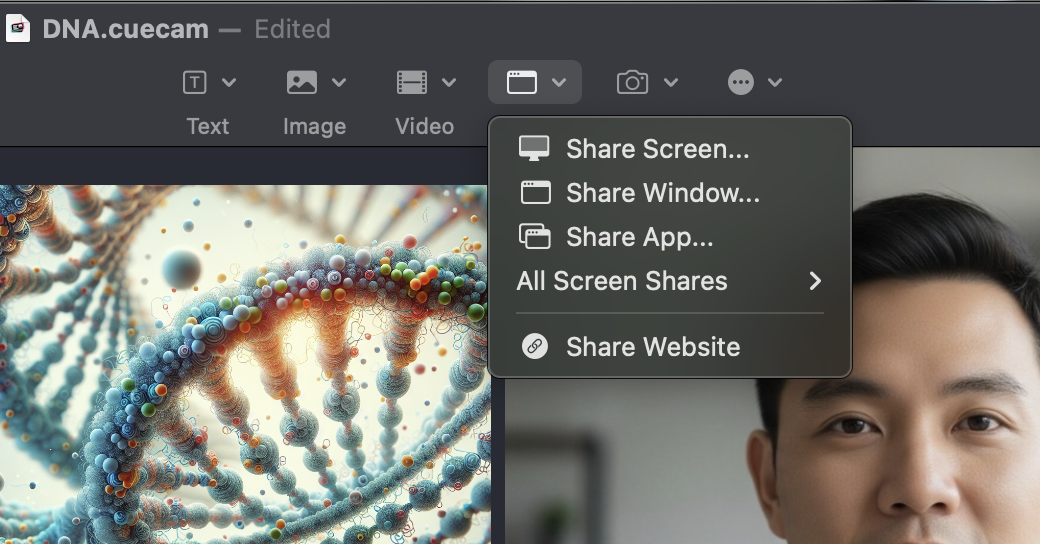
So now you can draw on your Mac's webcam, shared screen or any video or picture on your Mac, all from your iPad.
You'll see exactly where you're drawing on the iPad.
It's like magic.
Is it hard to set up?
No!
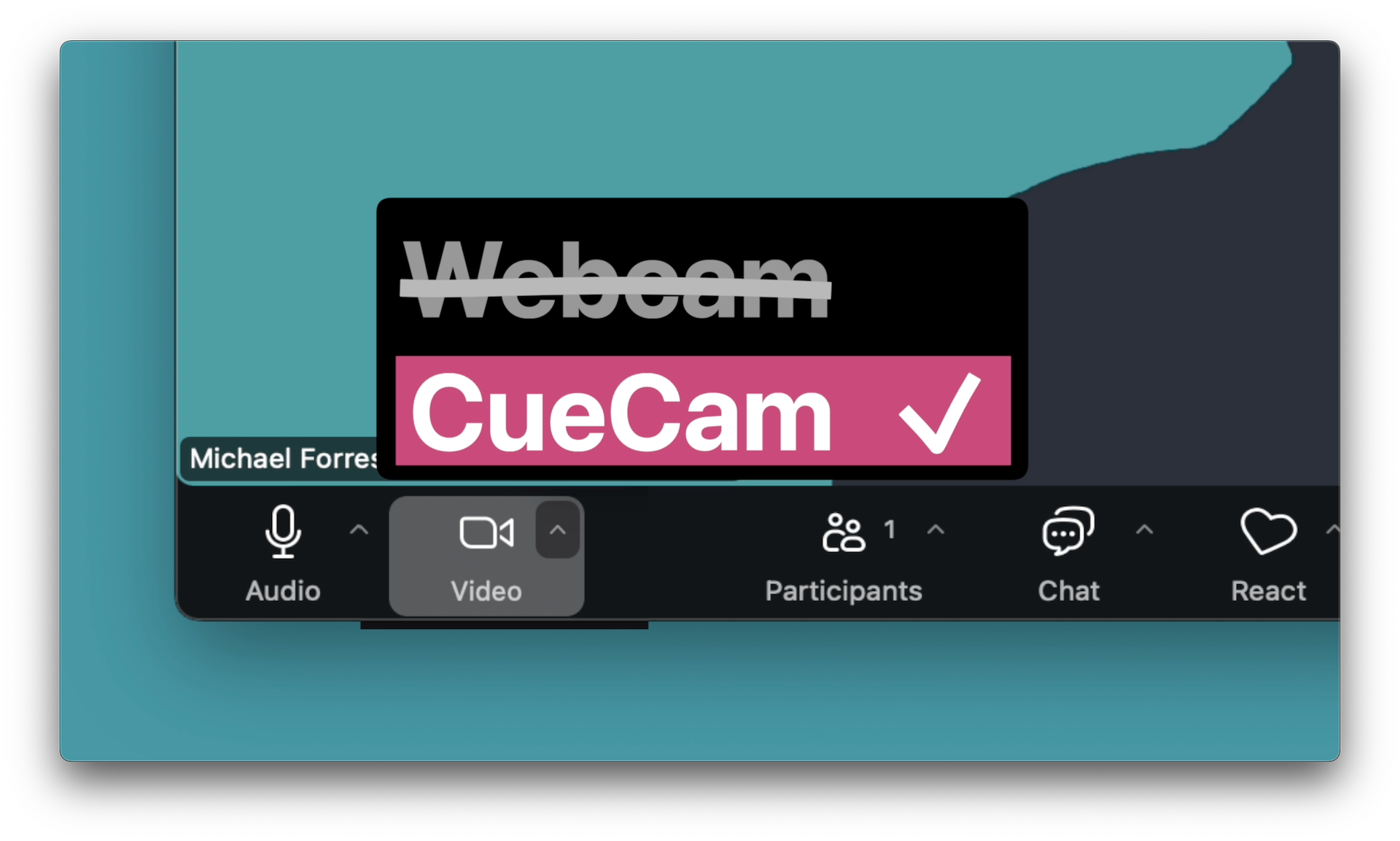
Just download CueCam and set it as your camera in Zoom.
Whenever you want to draw on your webcam, just grab your iPad, launch Video Pencil. You'll see yourself on your iPad screen and anything you draw will go straight to Zoom!
How is this possible?
CueCam Presenter and Video Pencil communicate over WiFi or USB using a custom networking protocol developed for this job. Video is sent using Apple's HEVC codec much more efficiently than NDI.
How much does it cost?
If you've already unlocked Video Pencil, you can use many of CueCam's features for free.
If not, Video Pencil is included in CueCam's
Rent To Own price. 
If you paid on your iPad, the amount will deducted from your first CueCam payment.
If you're on your Mac, you can get started right now.
What else can you do with CueCam Presenter?